Ami
Everything in Goodfit, one sentence away.
Meet Ami, the AI assistant built into your Goodfit dashboard. Ask it anything about your hiring, or tell it what to get done, in plain words. It does the work on screen while you watch, and nothing changes until you press the button.
Ask
It reads the interviews, so you don’t have to.
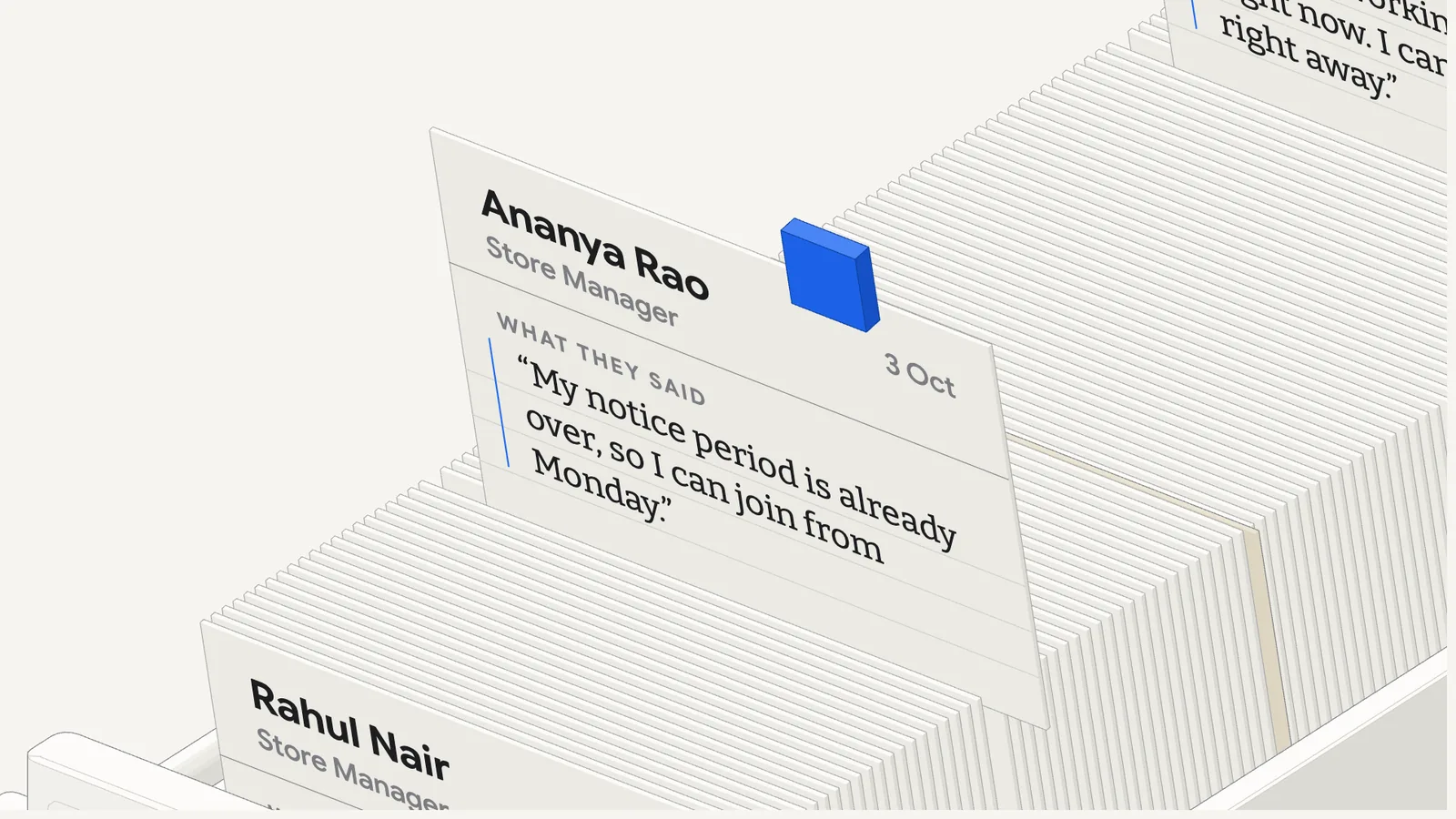
Ask who from this month’s interviews can join right away. Ami reads up to 200 AI interviews for one question and answers with each candidate’s own words, so you can see where every answer came from.
It goes only by what candidates said in the interview, and the answer says so.
Answers
Numbers, charts and tables, in plain words.
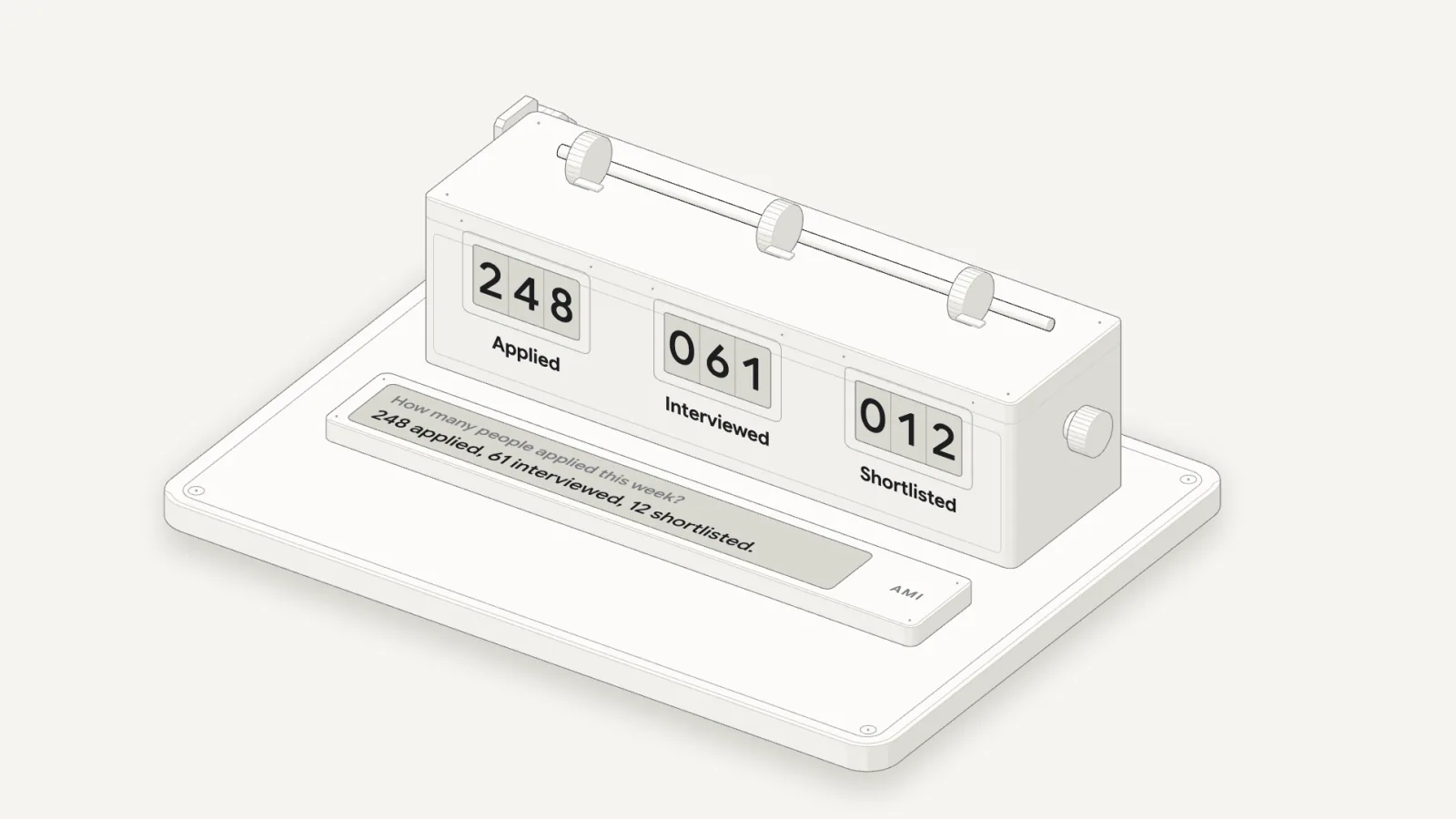
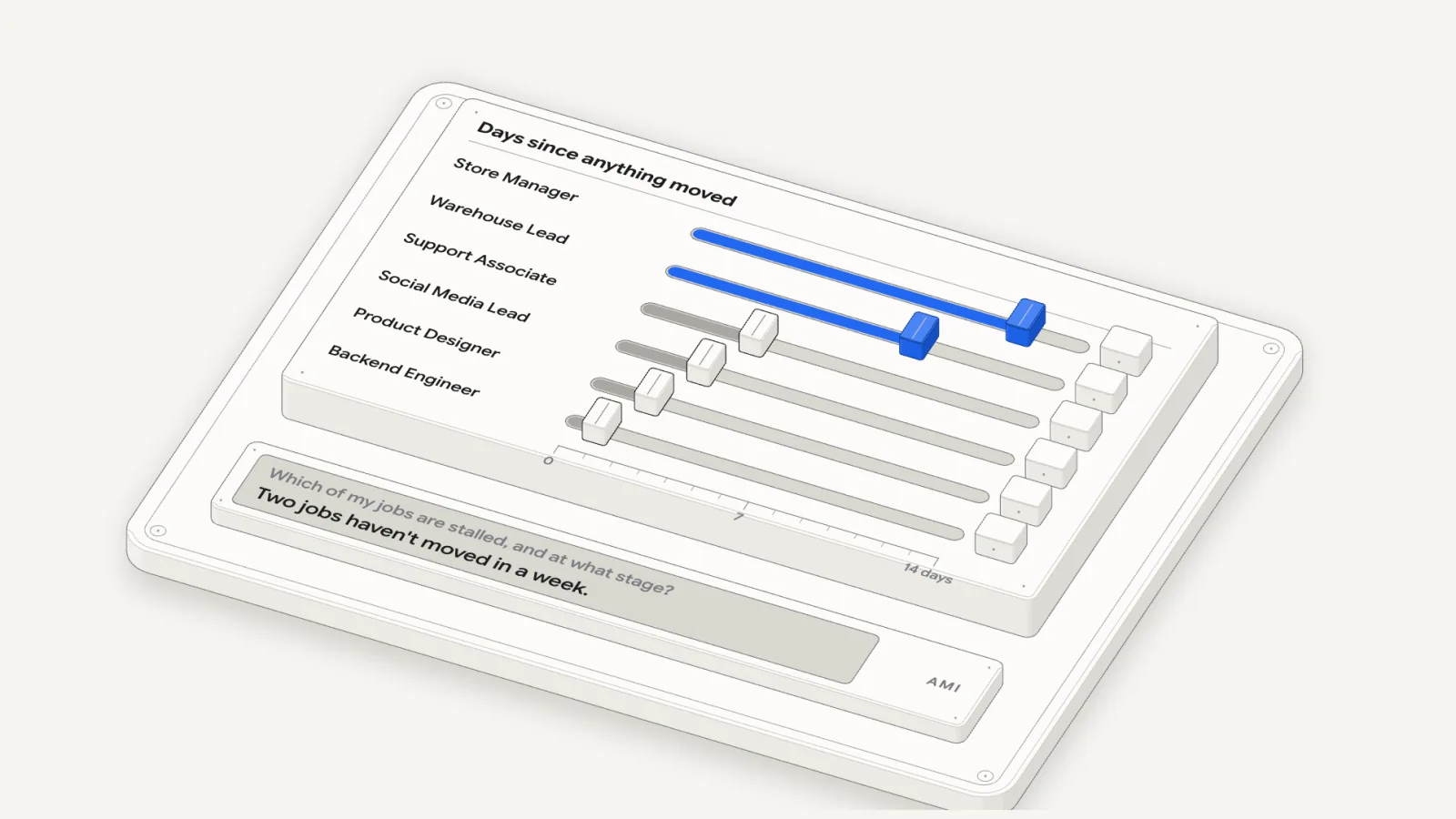
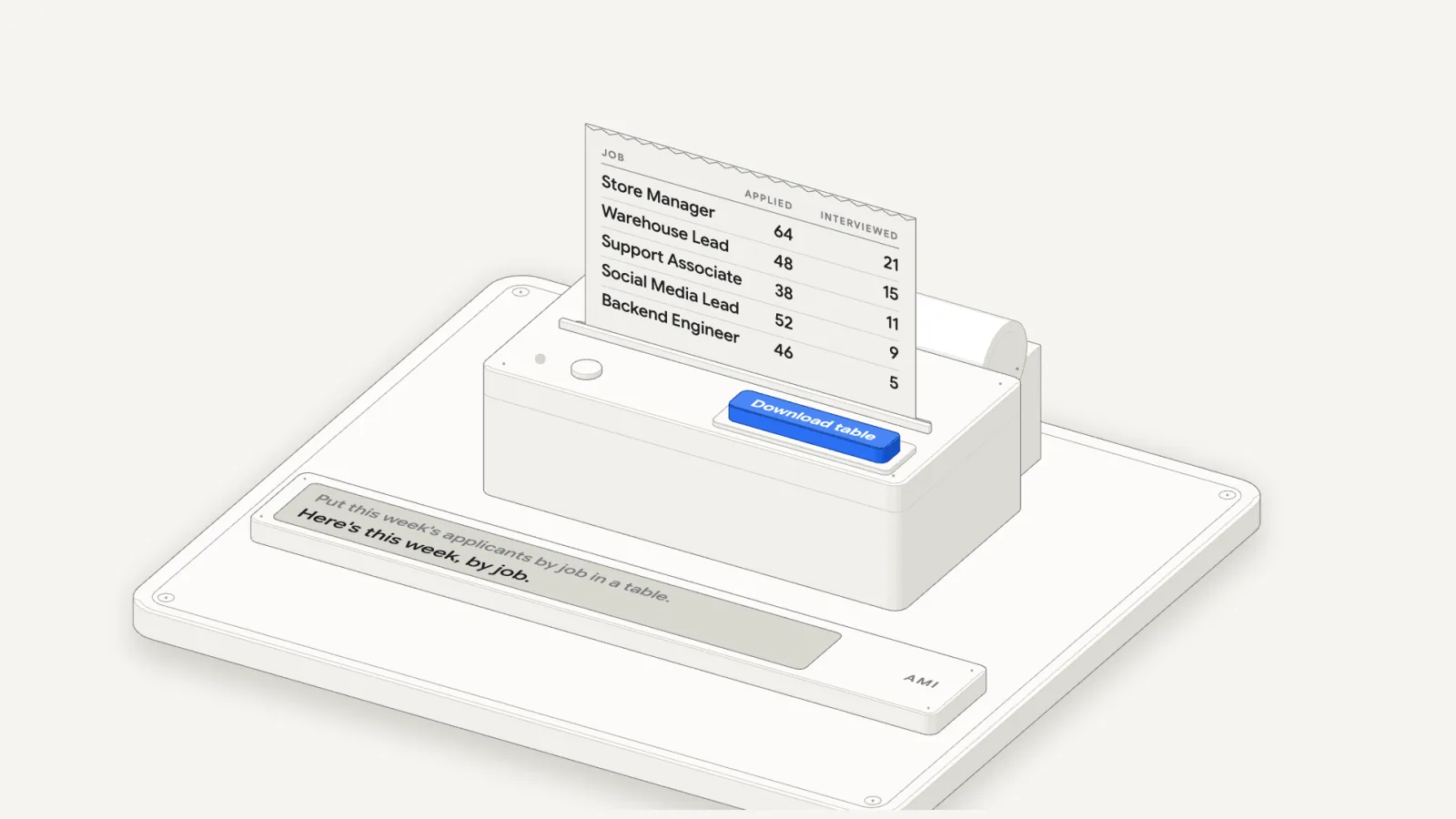
Ask how many people applied this week, which jobs have stalled, or for this week’s applicants by job. Ami checks your account and answers in a sentence, with big numbers, a chart or a table when it helps.
Tables download in one click. Tap a bar in a chart and your next question is already typed for you.
Bulk changes
Change many jobs with one press.
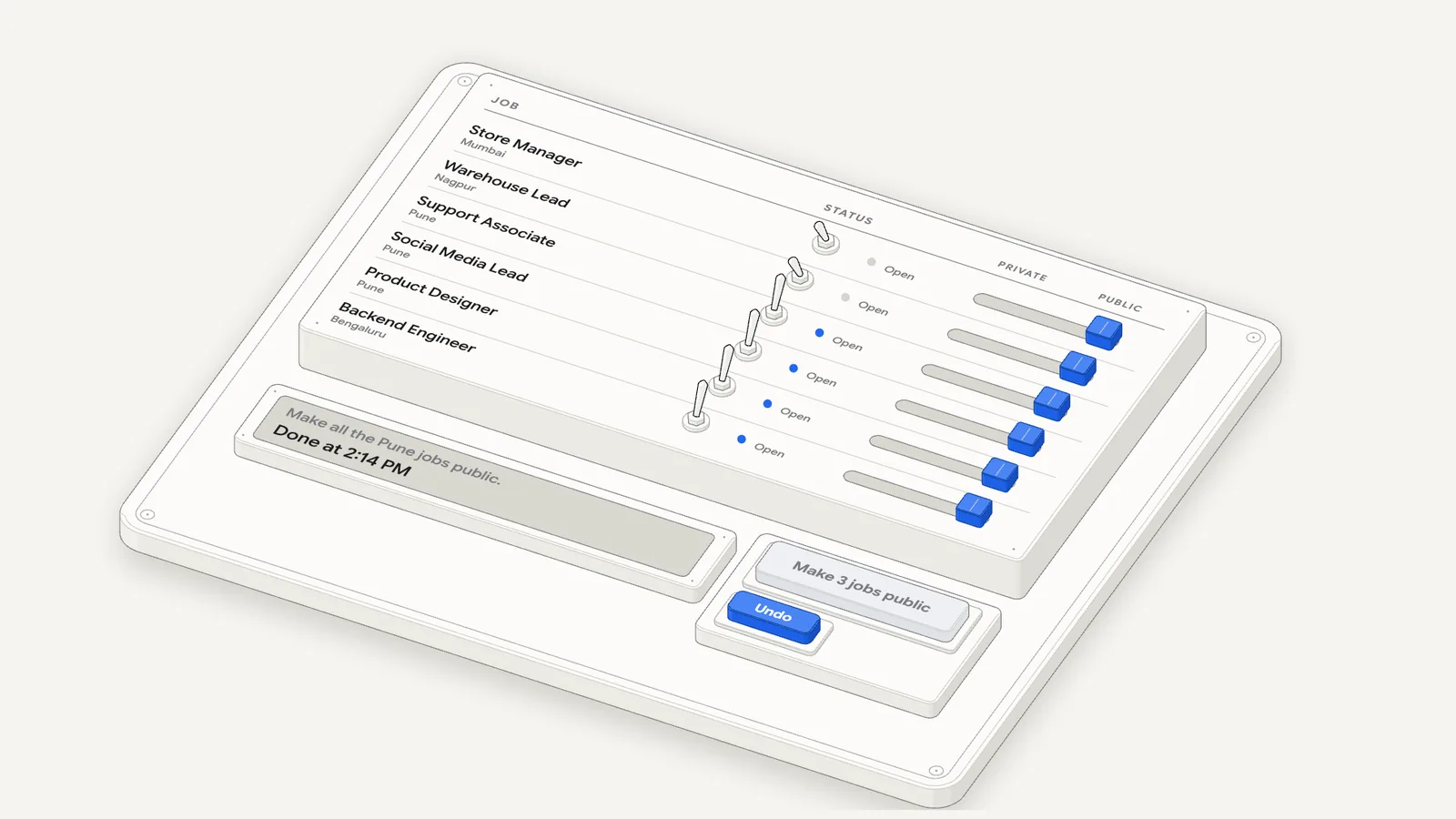
Close the jobs that stalled. Make every Pune job public. Turn on referrals for five roles. Ami puts the whole change on one card, and nothing changes until you press it.
Changes to a job’s details and settings come with an Undo button. A draft is never published from a card: you publish it from the job’s own page.
New job
It sets up a new job while you watch.
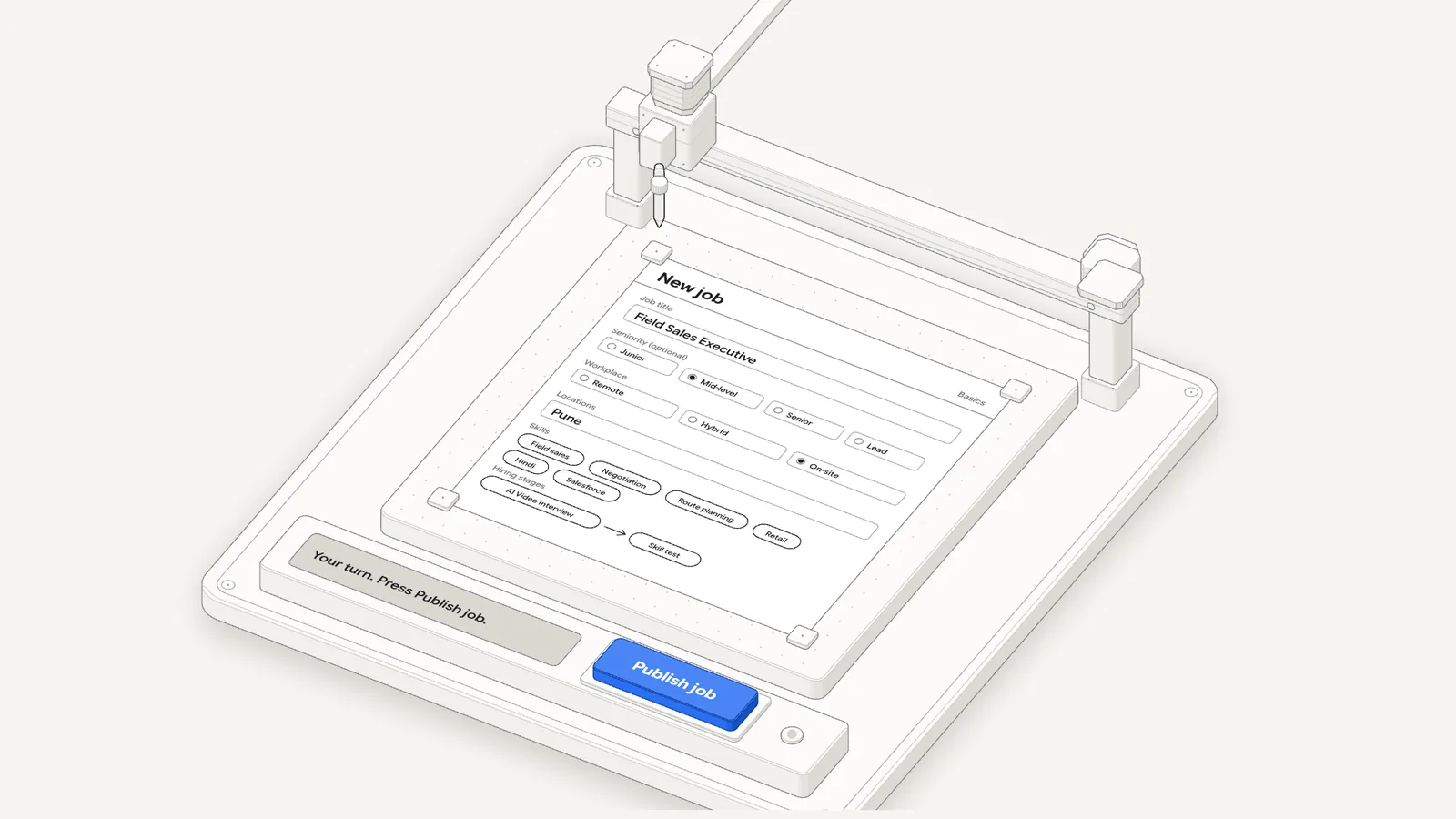
Ask for a new role, like a field sales exec in Pune with an AI interview and a skill test. Ami fills in the job on screen, suggests skills and tools, and sets up the hiring steps you asked for. Then it stops beside Publish job and hands over to you.
Before you start
For owners and admins, in early access.
Ami works for the owners and admins of your Goodfit account. It’s in early access: ask your Goodfit contact to turn it on for your team.
Questions
What HR teams ask us
Using Ami
What can Ami see?
Your company’s jobs, candidates, applications, interviews and hiring stages, plus Goodfit’s help articles. It only ever sees your own company’s data.
Will it change anything without asking me?
No. Every change shows up as a card first, and nothing happens until you press it. A card you don’t press expires after a day.
Can I undo a change?
Changes to a job’s details and settings show an Undo button after you press. If a change can’t be undone, like closing a job, the card tells you before you press.
Can it act on candidates?
It takes you to the job’s applications with the right people already selected, and points to the button, like Move or Resend Invitation. You press it.
How many interviews can it read at once?
Up to 200 for one question. If there are more, it asks you to narrow it down to fewer jobs.
What if Ami can’t help?
Ask for a person. Someone from our team joins your conversation.